What Is an ATS-Friendly Resume? Your 2026 Guide

What an ATS-friendly resume actually is
An ATS-friendly resume is a document formatted so that Applicant Tracking System software can read every field, match your keywords against a job description, and rank you accurately. Three words matter most in that sentence: reliably (no random parse failures), categorize (your work history lands in the work history field, not in “skills”), and rank (keyword matching works as intended). If any of those steps break, your resume is not ATS-friendly, regardless of how polished it looks on screen.

About 99% of Fortune 500 companies use ATS software, and roughly 75% of resumes are filtered out before a human ever opens them. That is the stakes. An ATS-friendly resume is the baseline that keeps you in the game.
The core elements of an ATS-friendly resume:
- Single-column layout with a clear top-to-bottom reading flow
- Standard section headings such as “Work Experience,” “Education,” and “Skills”
- Machine-readable fonts like Arial, Calibri, or Times New Roman at 10–12pt
- No graphics, tables, text boxes, or icons that block text extraction
- Keywords from the job description woven naturally into relevant sections
- Contact information in the document body, not in headers or footers
- A compatible file format, typically .docx or a text-based PDF
How ATS software actually reads your resume
When you upload a file, the ATS runs a text extractor that walks the document from top to bottom, treating everything as one continuous stream of characters. It does not see columns, sidebars, or design elements. It sees text, in the order it encounters it.

After extraction, the system maps that text to structured fields using recognized headings. When it finds “Work Experience,” it expects job titles, company names, and dates to follow. When it finds “Skills,” it expects a list. Complex layouts cause parsing errors that misassign content to the wrong fields, so a job title might end up stored under “Skills” or simply lost.
Here is what happens at each stage:
- Text extraction: the ATS flattens the file into a plain-text stream, reading left-to-right, top-to-bottom
- Field mapping: recognized headings trigger field assignments for job titles, dates, companies, and skills
- Keyword matching: extracted text is compared against the job description’s required terms
- Ranking: candidates are scored based on keyword density, field completeness, and formatting integrity
- Parsing vs. ranking: parsing is about whether data is captured correctly; ranking is about how well that data matches the role
The distinction between parsing and ranking trips up a lot of job seekers. You can have a beautifully keyword-optimized resume that still ranks poorly because a two-column layout scrambled your job titles during extraction.
Best formatting practices for a clean ATS parse
The safest ATS resume format is also the simplest. A single column, standard headings, and plain text. That is not a creative limitation. It is what survives the parse and reaches a recruiter intact.
- Use a single-column layout with no sidebars or parallel columns
- Apply standard section headings exactly: “Work Experience,” “Education,” “Skills,” “Professional Summary”
- Choose common fonts: Arial, Calibri, Helvetica, Georgia, or Times New Roman
- Use plain bullet points, not icons, symbols, or decorative markers
- Place contact details in the document body, not in the header or footer
- Avoid tables, text boxes, columns, and graphics entirely
- Keep font size at 10–12pt for body text; slightly larger for your name
| Element | ATS-safe choice | What to avoid |
|---|---|---|
| Layout | Single column | Two-column, sidebars |
| Fonts | Arial, Calibri, Times New Roman | Decorative or display fonts |
| Section headings | “Work Experience,” “Education” | Creative labels like “My Story” |
| Bullets | Plain round bullets | Icons, checkmarks, symbols |
| Contact info | Document body | Header or footer |
| File format | .docx or text-based PDF | Rasterized PDF, .pages, .png |
| Graphics | None | Charts, logos, progress bars |
Pro Tip: Before you apply, open your resume PDF and try to click and drag to select a line of text. If nothing highlights, the file is a rasterized image and no ATS can read it. Switch to .docx or rebuild from a text-based template.
Common formatting pitfalls that break ATS parsing
Most resume rejections at the ATS stage come down to a handful of predictable mistakes. Knowing them makes them easy to avoid.
- Two-column layouts cause the parser to interleave content from both columns, fusing a job title with a skill from the adjacent column
- Tables collapse into garbled text when flattened to a plain-text stream
- Text boxes are often skipped entirely by the parser, meaning anything inside them vanishes
- Graphics, icons, and progress bars are invisible to text extraction and waste space that should hold keywords
- Headers and footers are frequently stripped during ATS ingestion, so a name or phone number placed there may simply disappear from your candidate profile
- Unusual fonts can trigger character conversion errors that delete or scramble critical information
- Keyword stuffing looks unnatural to human reviewers and can actually lower your credibility once the resume reaches a recruiter’s desk
“When it comes to resumes, boring is better. You will want to be careful utilizing images, text boxes, tables, or fancy graphics as those may either be distorted, ignored, or erased by an ATS. Likewise, an ATS may distort or recombine information from your resume in a way that does not accurately reflect your fit as a candidate.” — MIT Career Advising & Professional Development
The header and footer issue catches people off guard because it looks fine on screen. The document renders perfectly in Word or Adobe Reader, but the ATS strips those zones before processing the body. Your name and phone number are gone before anyone searches for you. Put everything in the main body of the document, full stop.
For a broader look at resume mistakes to avoid, formatting errors are consistently among the most damaging to application success.
How to optimize keywords without stuffing
Keyword optimization is where most job seekers either underdo it or overdo it. The goal is to mirror the language of the job description naturally, not to paste every term from the posting into your resume ten times.
- Read the job description carefully and note terms that appear more than once. Those are the keywords the ATS is likely scoring against.
- Use keywords in context, inside bullet points that describe real accomplishments, not in a disconnected keyword dump at the bottom of the page
- Match job titles as closely as your actual experience allows. If the posting says “Project Manager” and you have been calling yourself “Delivery Lead,” consider which term the ATS will recognize
- Include both acronyms and full forms where relevant, for example “MBA” and “Master of Business Administration,” since different ATS platforms index differently
- Use action verbs that align with the role: “managed,” “developed,” “analyzed,” “coordinated”
- Avoid falsification. Keyword stuffing harms credibility with recruiters and misrepresenting your background is an ethical and legal risk
Pro Tip: Copy the job description into a plain-text document and highlight every skill, tool, and qualification mentioned more than once. Those are your priority keywords. Then check your resume against that list and add the ones you genuinely have, in the sections where they fit most naturally.
The keyword matching guide from Easy-cv walks through this process in detail, including how to handle roles where your experience overlaps but your terminology differs.
File format and testing your resume before you submit
The file format question is simpler than most guides make it. Use .docx or a text-based PDF. That covers the vast majority of ATS platforms in use today.
- .docx is the safest default because Word-generated files are always text-based and parse cleanly across Workday, Greenhouse, iCIMS, Taleo, and most other major systems
- Text-based PDFs work well on every major ATS in 2026, with one critical exception: rasterized PDFs, where text is baked into an image, are completely unreadable to ATS software
- Avoid .pages, .png, .jpg, and any format that is not explicitly accepted by the job posting
- Check the posting first. Some employers specify a format. When they do, use exactly that format, even if you prefer another
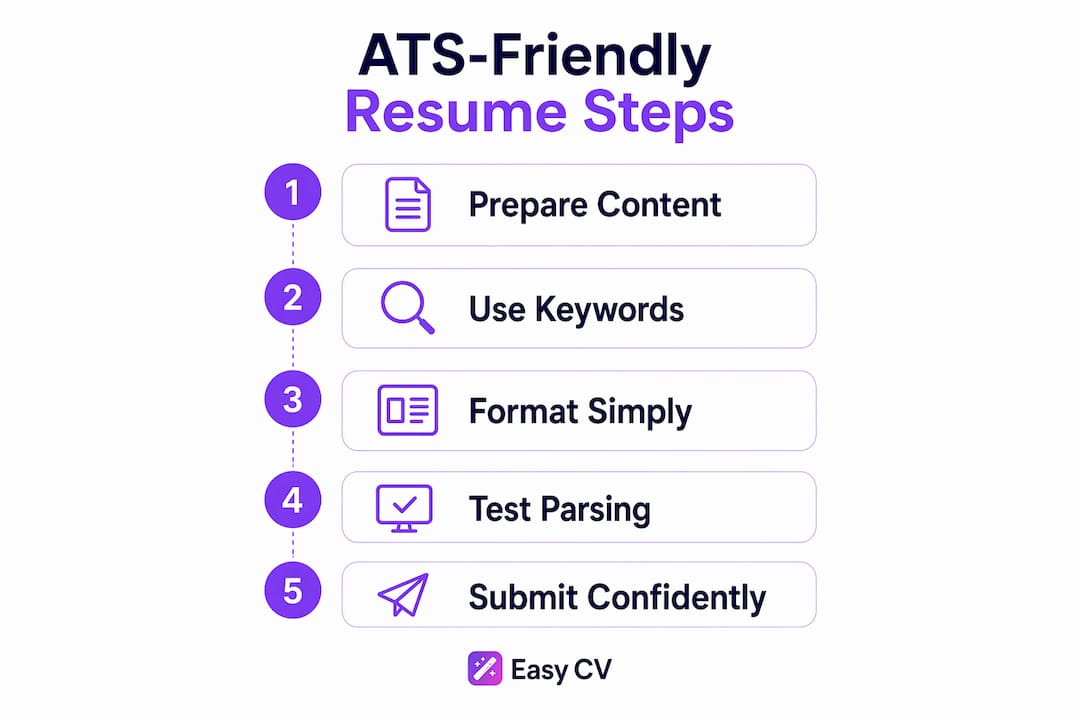
Testing your resume before submission takes two minutes and catches problems that would otherwise cost you an interview:
- Save your resume as a plain .txt file. Open it and read through the output.
- Check that every job title, date, and bullet point appears in the correct order.
- Look for scrambled text, merged lines, or missing sections. Those are parsing errors.
- If the plain-text version looks clean, your resume parses correctly and the ATS will extract your data accurately.
Free and paid ATS scanning tools, including Jobscan and Resume Worded, let you upload your resume alongside a job description and see how well your content matches. They are worth using before applying to roles where the competition is high.
What the research and recruiters say about ATS in 2026
The numbers on ATS adoption are striking. Fortune 500 companies rely on ATS at a rate of about 99%, and the filtering effect is real: approximately three out of four submitted resumes never reach a human reviewer. That is not because those candidates are unqualified. It is because their resumes failed at the parsing or keyword stage.
An ATS-compliant resume clears three specific gates: parsing accuracy, keyword threshold matching against the job description, and formatting standards. “ATS-friendly” and “ATS-compliant” are not the same thing. Friendly means the software can read it without obvious errors. Compliant means it actually passes measurable thresholds across major platforms like Workday, Greenhouse, and iCIMS. Every compliant resume is friendly, but a friendly resume is not automatically compliant.
Recruiter behavior adds another layer. Research from HR Dive shows that recruiters spend about seven seconds on an initial resume review. That means a resume that passes the ATS still needs to communicate your value instantly to a human. Keyword density alone does not do that. Clear structure, strong action verbs, and quantified accomplishments do.
The practical takeaway: optimize for the machine, then write for the person. A resume that threads both needles, clean enough to parse, compelling enough to read, is what actually generates interviews. For a deeper look at ATS parsing mechanics, the field-mapping process is where most formatting mistakes become visible.
Put your resume in front of the right people with Easy-cv

Easy-cv builds ATS-friendly resumes from the ground up. Every template in the library uses a single-column layout, standard section headings, and machine-readable fonts, so you never have to retrofit a designed template or guess whether your formatting will parse. The AI writing assistant helps you match keywords to each job description naturally, and the built-in job tracker keeps your applications organized across every role you pursue.
If you are ready to stop sending resumes into the void, start building with Easy-cv today. The AI job matcher pre-scores every listing against your resume so you apply where you actually fit, and the cover letter generator tailors your pitch to each posting in minutes.
Key Takeaways
An ATS-friendly resume passes automated parsing, keyword matching, and formatting checks so it reaches a human recruiter instead of being filtered out before anyone reads it.
| Point | Details |
|---|---|
| ATS adoption is near-universal | About 99% of Fortune 500 companies use ATS, and approximately 75% of resumes are filtered out before a human ever opens them. |
| Single-column layout is non-negotiable | Two-column designs cause parsers to interleave content, scrambling job titles and skills into garbled output. |
| Headers and footers get stripped | Contact details placed in document headers or footers are often removed during ATS ingestion. |
| Keywords must appear in context | Use terms from the job description inside real bullet points, not in a disconnected keyword block. |
| Test before you submit | Saving your resume as a .txt file reveals scrambled text and missing sections before they cost you an interview. |