Personalization in Job Applications: How to Get More Interviews
Personalizing your CV and cover letter for each job measurably raises your interview rate. The single highest-ROI move is a 10–15 minute edit that aligns your summary, skills, and top bullets to the job description before you hit submit.
The three edits that deliver the most impact, fastest:
- Rewrite your title and professional summary to mirror the job title and two or three key requirements from the posting
- Adjust your skills section to match the exact tools and terms the employer listed
- Reorder or rewrite your top two experience bullets to lead with the most relevant accomplishment
Pro Tip: Build a master CV with every role, skill, and achievement you’ve ever held. Then use Easy-cv’s templates to create role-family variants so most applications take five minutes, not forty-five.
Key Takeaways
| Point | Details |
|---|---|
| Personalization lifts outcomes | A ~500,000-person field experiment linked AI-assisted writing to 8% higher hiring probability and 8.4% higher starting wages. |
| ATS filters first | Roughly 75% of applications are rejected by ATS before a human sees them; keyword matching is the mechanism. |
| Three highest-ROI edits | Rewrite your title, summary, and top two bullets to mirror the JD; adjust skills to match exact posted terms. |
| Tiered time investment | Spend 45 minutes on dream roles, 15 on good matches, and 5 on volume applications using pre-built variants. |
| Easy-cv for the full workflow | Easy-cv’s job matcher, AI rewriter, ATS templates, and job tracker cover every step of the 10–15 minute routine. |
Table of Contents
- Why personalization in job applications actually moves the needle
- Which parts of your CV are worth personalizing?
- A repeatable 10–15 minute tailoring workflow
- Tools and shortcuts that make tailoring faster at volume
- Common personalization mistakes that hurt your chances
- How to measure whether your tailoring is working
- How Easy-cv maps to every step of this workflow
- When to personalize deeply vs. apply at scale
- Easy-cv makes tailored applications faster and trackable
- Sources
Why personalization in job applications actually moves the needle
The numbers here are hard to ignore. Recruiters spend fewer than 10 seconds on an initial resume scan. Widely cited industry estimates suggest ATS filters reject roughly 75% of applications before a human ever sees them. And a high proportion of recruiters say they prefer tailored resumes over generic ones.
Those aren’t abstract statistics. They describe a two-stage gauntlet: first, a keyword-matching algorithm configured around the job description; second, a human who glances at your top third and decides in seconds whether to keep reading.
The experimental evidence is just as clear. A large-scale field experiment involving nearly 500,000 job seekers found that algorithmic writing assistance was associated with an increase in hiring probability and higher starting wages, likely because clearer, higher-quality writing helps employers identify candidate ability. The researchers attribute the effect to clearer, higher-quality writing that helps employers identify candidate ability. A separate academic study found that greater cover-letter writing quality and higher levels of tailoring correlated with higher interview rates and shorter job searches.
The takeaway from the research: Tailoring is not a cosmetic upgrade. It changes what the algorithm scores and what the recruiter notices in the first ten seconds.
| Signal | What the data shows |
|---|---|
| ATS rejection rate | ~75% of applications filtered before human review |
| Recruiter initial scan | Under 10 seconds on average |
| Recruiter preference | a high proportion prefer tailored resumes |
| Hiring probability lift | ~8% with AI-assisted writing quality |
| Starting wage effect | ~8.4% higher with algorithmic writing assistance |
Which parts of your CV are worth personalizing?
Not every section carries equal weight. ATS systems parse your document top-to-bottom and score keyword density against the job description. Recruiters, when they do look, start at the top. That means your highest-ROI zones are concentrated in the first half of the page.
- Job title / headline. Match the exact title from the posting when it honestly reflects your experience. “Senior Product Manager” beats “Product Leader” if that’s what the JD says.
- Professional summary. Two to three sentences that echo the role’s core requirements. This is the one section a recruiter almost always reads.
- Skills section. Use the exact tools and terms the employer listed. If the JD says “Salesforce CRM,” don’t write “CRM platforms.”
- Top two or three experience bullets. Reorder them so the most relevant accomplishment appears first. Quantify where you can.
- Certifications and credentials. Surface any that the JD specifically mentions, even if they’re buried lower in a generic version.
- Cover letter opening hook. One sentence that names the role and connects your strongest relevant result to their stated need.
Here’s what a summary rewrite looks like in practice:
Generic: “Experienced marketing professional with a background in digital campaigns and team leadership.”
Tailored: “Performance marketing manager with five years driving paid search and social campaigns for B2B SaaS companies; reduced customer acquisition cost by 31% in the most recent role.”
The second version mirrors the language of a typical B2B SaaS marketing JD and leads with a verifiable result. The ATS scores it higher; the recruiter reads past the first line.
A repeatable 10–15 minute tailoring workflow
A 10–15 minute routine built around a master CV and three focused edits captures most of the benefit of a full rewrite. Here’s the sequence:
- Highlight JD keywords (2–3 min). Paste the job description into a text editor and mark every skill, tool, and qualification that appears more than once. These are your must-match terms.
- Rewrite your title and summary (3–4 min). Swap in the job title if it fits. Rewrite your summary to open with the role’s top requirement and your strongest matching result.
- Adjust the skills section (1–2 min). Add any exact terms from the JD that you genuinely have. Remove skills that are irrelevant to this role to reduce noise.
- Reorder and update your top bullets (3–4 min). Pull the most relevant accomplishment to the top of your most recent or most relevant role. Add a number if you don’t have one yet.
- Format check and export (1–2 min). Save as a PDF unless the posting specifies otherwise. Name the file “FirstName-LastName-JobTitle.pdf.” Confirm your LinkedIn URL is current.
Before you submit, run through this quick checklist: file type matches the posting’s instructions, filename includes your name and the role, your summary mentions the job title, and your cover letter’s first sentence names the company and a specific reason you applied.
One firm rule: never invent experience. Rephrasing and surfacing real accomplishments is the whole point. Fabricating a skill or inflating a title creates a problem you can’t recover from at interview.

Pro Tip: Sector-specific resume variants save the most time. Build three role-family versions of your master CV (e.g., “marketing/growth,” “operations,” “general management”) so most applications need only the five-minute keyword swap, not a full rewrite.
Tools and shortcuts that make tailoring faster at volume
The master CV approach is the foundation. Beyond that, the tools that actually save time fall into a few categories.
- Keyword matchers and ATS checkers scan your draft against a job description and flag missing terms before you submit. They turn a manual read-through into a 60-second gap analysis.
- Template libraries with ATS-friendly formatting mean you never start from a blank page and never accidentally use a two-column layout that breaks a parser.
- AI writing assistants generate draft bullets and summary rewrites from a job description. The best ones produce a starting point you edit, not a final version you copy wholesale.
- Job matchers pre-score roles against your CV so you know before you apply whether a role is a strong match or a stretch. That alone helps you allocate time correctly.
- Integrated job trackers let you log which version you sent, when, and what happened. Without tracking, you can’t measure whether tailoring is working.
Easy-cv combines all of these in one place: a job matcher that pre-scores roles, an AI writing assistant that rewrites content based on the JD, ATS-friendly templates, a master CV library, and a built-in tracker. For international roles, it also translates CVs and cover letters into 30+ languages without breaking the formatting.
On volume applications: a tiered approach produces a better callback-per-hour ratio than rewriting every resume from scratch. Spend real time on the roles you actually want; use a pre-built variant for the rest.
Common personalization mistakes that hurt your chances
Tailoring works until it doesn’t. These are the patterns that backfire:
Keyword stuffing. Pasting a wall of skills into a white-font hidden section, or repeating “project management” seven times in your summary, triggers both ATS spam filters and recruiter skepticism. Match terms naturally, in context.
Copying JD language verbatim. Phrases like “seeking a results-driven self-starter” belong in the posting, not your resume. Mirror the vocabulary; don’t plagiarize the sentences.
Overfitting to ATS at the cost of readability. A resume optimized purely for keyword density often reads like a list of buzzwords. Recruiters notice. The goal is a document that scores well and reads well.
Fabricating or inflating claims. This is the hard line. Tailoring means surfacing and rephrasing what’s real. Inventing a certification, a title, or a result you didn’t achieve creates a liability that surfaces at interview or background check.
There’s also a longer-term signal worth noting. Research on AI-driven tailoring suggests that as these tools become ubiquitous, employers may shift attention to harder-to-fake indicators: verified work history, platform ratings, and quantified results. That’s an argument for making your tailoring more specific and verifiable, not less.
The ethical boundary is simple: rephrasing and reordering real experience is good tailoring. Inventing experience is fraud. The distinction matters at every stage of the hiring process.
| Do | Don’t |
|---|---|
| Mirror JD terms in your own sentences | Copy JD phrases word-for-word |
| Surface real accomplishments with numbers | Invent metrics or inflate titles |
| Reorder bullets to lead with relevance | Stuff keywords into hidden text |
| Use exact tool names from the posting | List every tool you’ve ever touched |
How to measure whether your tailoring is working
Measure response rate and interview rate per application tier over a defined sample of 10–20 applications. That’s enough to see a real pattern.
- Log every application with the date, role, company, and which CV version you sent (tailored vs. baseline).
- Track four metrics: application count, response rate (any reply), interview rate (phone screen or further), and days to first response.
- Run a simple A/B comparison: send tailored versions to your priority roles and a baseline version to lower-priority applications for 30–60 days.
- Assess the result: a consistent doubling of interview rate across 10–20 tailored applications is a meaningful signal. Even a 50% lift sustained across that sample is worth the extra five minutes per application.
Easy-cv’s built-in job tracker handles steps 1 and 2 automatically, so you’re not maintaining a separate spreadsheet.
| Metric | Baseline target | Tailored target |
|---|---|---|
| Response rate | 5–10% | 15% |
| Interview rate | 3–5% | 8–15% |
| Days to first response | two weeks | Under 10 days |
How Easy-cv maps to every step of this workflow
Easy-cv’s features align directly with the five-step routine above. Here’s how each step maps:
- Step 1 (keyword highlighting): Easy-cv’s job matcher pre-scores each role against your CV and surfaces the gap terms before you start editing.
- Step 2 (title and summary rewrite): The AI resume builder generates JD-specific summary drafts you refine in minutes.
- Step 3 (skills adjustment): The editor lets you add, remove, and reorder skills in seconds with no reformatting required.
- Step 4 (bullet reorder and update): Drag-and-drop bullet reordering keeps the layout intact while you swap content.
- Step 5 (format check and export): ATS-friendly templates and one-click PDF export mean the format is never the problem.
The integrated job tracker logs every application automatically, so your measurement plan from Section 7 runs in the background with no extra work.
Pro Tip: Use Easy-cv’s master CV library to store your full experience record, then save three role-family variants. Most applications then require only the keyword swap in Step 1 and a quick summary tweak in Step 2.
When to personalize deeply vs. apply at scale
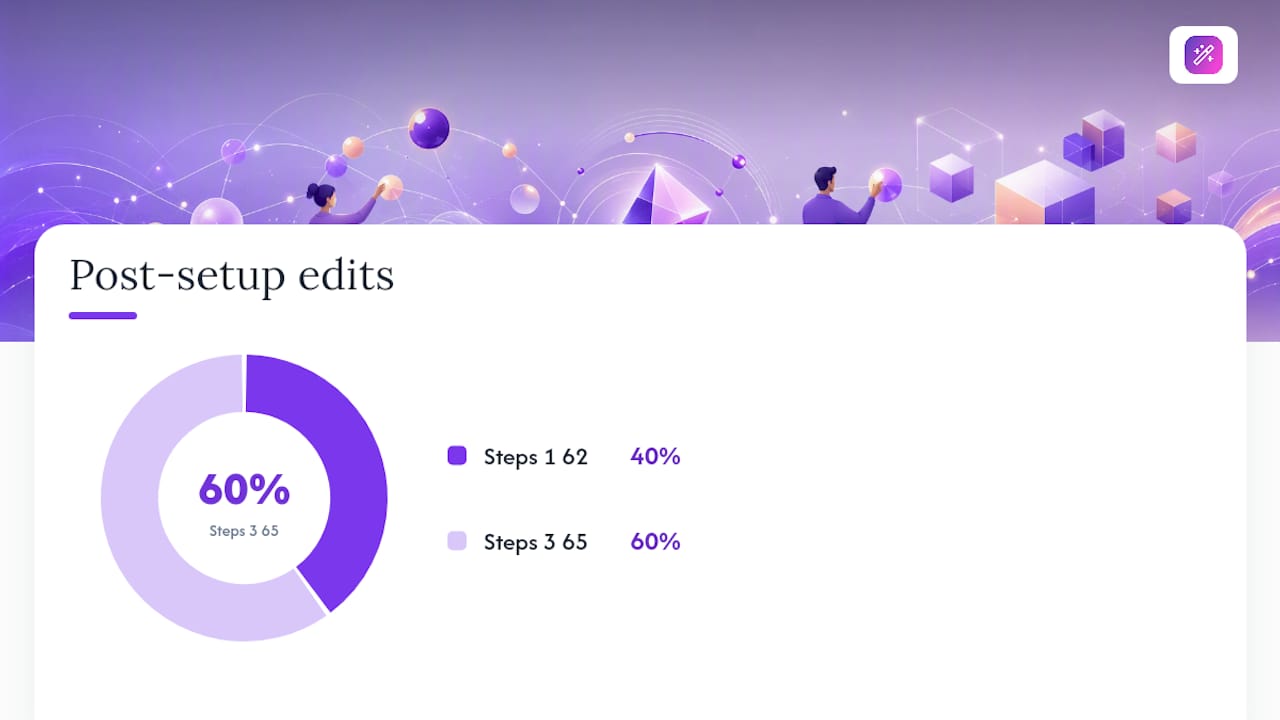
Deep personalization is worth 45 minutes for a dream role at a company you’ve researched and genuinely want. For a strong match that fits your background well, 15 minutes covers the title, summary, and top bullets. For exploratory or volume applications, five minutes and a pre-built role-family variant is the right call.
The rule of thumb: time invested should scale with how much you want the role and how well you match it.
A practical example: if you’re a software engineer applying to both a senior backend role at a startup you’ve followed for two years and a mid-level role at a company you found in a job board search, the first gets a full custom version with a researched cover letter. The second gets your “backend engineer” variant with a quick keyword check. Tailored resumes commonly deliver 2–3x more callbacks than generic ones, but that lift is most valuable where the role is worth winning.
Easy-cv makes tailored applications faster and trackable
Every application you send without tailoring is a missed opportunity that costs you nothing to fix. Easy-cv gives you the AI writing tools, ATS-friendly templates, and job tracker to run the full 10–15 minute workflow without switching between five different tools.

The free plan covers the core builder and templates. Premium unlocks the AI rewriting assistant, the job matcher, unlimited exports, and the headshot generator. Start with your master CV, build three role-family variants, and let the job matcher tell you where to spend your 45 minutes. Try Easy-cv and send your first tailored application today.
Sources
- Algorithmic writing assistance large-scale field experiment (2025)
- Compositional quality and tailoring of application materials (IJSA, 2025)
- Automated screening and resume tips (Indeed)
- Tailoring your CV to each job: the key to landing more interviews (Yale CDO blog)
- Should you tailor your resume for every job? (TailorForge)