What Is Modern Resume Design? Your 2026 Guide
Modern resume design is the practice of building a document that satisfies both ATS software and human recruiters through a skills-first structure, clean formatting, and content tailored precisely to each job description. The industry term for this approach is strategic resume design, and it has replaced the old model of chronological lists and decorative layouts. In 2026, your resume faces two audiences before a hiring manager ever reads it: an algorithm and a recruiter with roughly six to seven seconds to scan the page. Getting the design right means clearing both hurdles at once.
What is modern resume design and its core features?
Modern resume design is more communication than graphic design. Its purpose is to make the fit between you and a specific job immediately visible to both AI screening tools and the person who opens the file. That shift in purpose changes every decision you make about structure, typography, and content.
Skills-first structure
The most defining feature of a modern resume is where skills appear. Rather than burying them at the bottom after a long work history, a categorized skills section sits near the top of the document. 43% of businesses now prioritize skills-first hiring, and 70% of recruiters say identifying skills is their biggest challenge when reviewing applications. Putting skills front and center removes that friction immediately.
Layout and typography
A single-column, linear layout is the standard for ATS compatibility. 97% of companies use ATS tools that penalize complex formatting like tables, text boxes, and embedded graphics. This means columns, icons, and decorative dividers are not just unnecessary. They actively reduce your chances of passing the first screen. Safe fonts include Calibri, Arial, and Georgia. File format matters too: always export as a text-based PDF or DOCX to avoid hidden formatting traps that break machine parsing.

The professional summary as a positioning tool
A tailored professional summary is not a generic objective statement. It functions as the primary classification context that ATS systems use to rank your resume against a job description. Think of it as the headline of your career landing page. Three to four sentences that name your specialty, your most relevant skills, and the specific value you bring to this role will outperform any decorative header graphic every time.
Pro Tip: Run your finished resume through a plain-text test. Copy the entire document into Notepad or TextEdit and check whether the content reads in a logical order. If it scrambles, your ATS score will suffer.
How do modern resume formats differ and which is right for you?
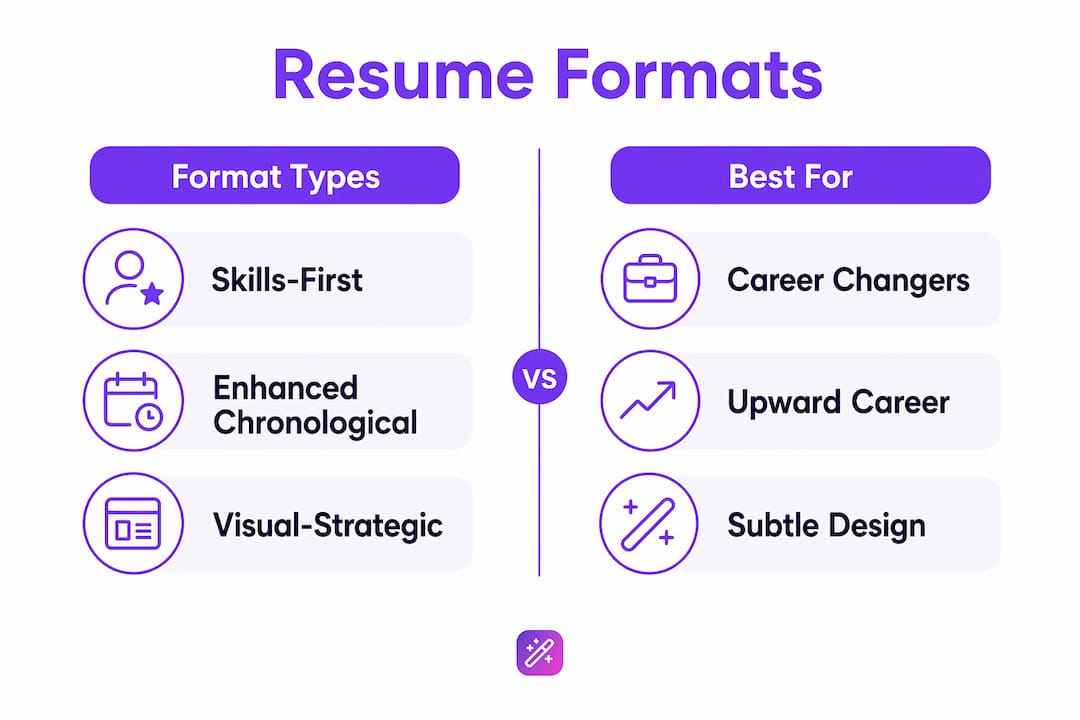
Five resume formats dominate 2026, each designed for a different career situation. Choosing the wrong one is one of the most common and most avoidable mistakes job seekers make.
| Format | Best for | Key feature | ATS safe? |
|---|---|---|---|
| Skills-First | Career changers, bootcamp grads | Skills section leads the document | Yes |
| ATS-Optimized | High-volume applicants, corporate roles | Keyword-dense, minimal visual styling | Yes |
| Enhanced Chronological | Mid-career professionals with clear progression | Work history leads, enriched with metrics | Yes |
| Strategic Hybrid | Experienced professionals pivoting industries | Combines skills summary with chronology | Yes |
| Visual-Strategic | Creative roles, design, marketing | Subtle color and layout with ATS-safe structure | Conditional |
The Skills-First format works best when your work history does not directly match the job title you are targeting. A software developer moving into product management, for example, benefits from leading with transferable skills rather than a job title that signals the wrong specialty.
The Enhanced Chronological format remains the strongest choice for professionals with a clear upward career trajectory in one field. Recruiters in finance, law, and engineering still expect to see progression laid out in reverse chronological order. The modern version of this format adds quantified achievements to every role rather than listing duties.
The Visual-Strategic format is the most misunderstood. It is not a license to design a brochure. It uses subtle accent colors, a clean two-column structure, and consistent typographic hierarchy while keeping the underlying content fully machine-readable. This format fits roles in marketing, UX, and communications where visual judgment is part of the job.
Pro Tip: If you are applying through a company’s online portal, default to the ATS-Optimized or Enhanced Chronological format regardless of your industry. Portals strip formatting before the file even reaches a recruiter.
How to optimize your modern resume for ATS and human recruiters
Passing ATS is a technical problem with a repeatable solution. Impressing a recruiter is a persuasion problem. Modern resume design solves both simultaneously when you follow a clear process.
-
Mirror the job description language. Modern ATS systems use semantic matching, not simple keyword counting. Copy the exact phrases the job posting uses for skills and responsibilities, then weave them naturally into your summary and bullet points. “Cross-functional collaboration” and “team coordination” are not interchangeable to an algorithm trained on that specific posting.
-
Quantify every achievement you can. “Managed social media accounts” tells a recruiter nothing. “Grew LinkedIn following from 4,000 to 22,000 in 11 months by shifting to a video-first content strategy” tells them your method, your scale, and your result. Numbers create specificity that generic descriptions cannot match.
-
Avoid ATS parsing traps. Tables, text boxes, headers and footers, and images all create parsing errors in most ATS platforms. Contact information placed inside a header box is frequently invisible to the system. Put your name, phone, email, and LinkedIn URL in the main body of the document.
-
Use standard section headings. ATS software is trained to find sections labeled “Work Experience,” “Education,” and “Skills.” Creative alternatives like “Where I’ve Made an Impact” or “My Story” confuse the parser and lower your ranking score.
-
Test machine readability before submitting. Paste your resume text into a free ATS checker to identify parsing errors before they cost you an interview. This takes five minutes and catches problems that are invisible in a visual preview.
Pro Tip: Tailor your resume for every application, not just the summary. Swap in two or three role-specific keywords in your skills section and your most recent job bullet points. This alone can move you from a 60% to an 85% match score in many ATS systems.
Creative resume design trends and examples in 2026
Creative resume ideas in 2026 operate within a clear constraint: visual choices must not break ATS parsing. That constraint is actually liberating because it forces you to be intentional rather than decorative.
The Visual-Strategic format uses subtle color accents, typically a single brand-consistent color for section headers or a thin left-border stripe, to create visual hierarchy without adding graphics that confuse parsing tools. A muted teal or slate blue on section headings reads as professional and modern to a human reviewer while remaining fully transparent to an ATS.
Two-column layouts are gaining traction for creative roles, but they require careful execution. The left column should carry secondary information like contact details, skills, and certifications. The main work history and summary belong in the wider right column. This structure keeps the most critical content in a parsing-friendly position while giving the page a polished, magazine-style feel.
What does not work in 2026:
- Headshots embedded in the document (illegal to request in many U.S. hiring contexts and an ATS parsing hazard)
- Skill bars or rating graphics (a five-star rating for “Excel” communicates nothing and breaks parsing)
- Infographic-style timelines (visually appealing, machine-unreadable)
- Custom fonts downloaded from design sites (safe fonts like Calibri, Arial, and Lato render correctly across all systems)
Language authenticity is a separate but equally important design trend. 49% of hiring managers auto-dismiss resumes that appear AI-generated. This means the content layer of your resume must sound like a specific person describing specific work. Phrases like “results-driven professional with a passion for excellence” are now red flags, not selling points. Tools like Easy-cv’s AI writing assistant generate strong draft content, but the final voice must be yours. For guidance on using AI without losing authenticity, the Easy-cv guide on AI resume writing walks through exactly where to let automation help and where to write in your own words.
Key takeaways
Modern resume design succeeds when it treats the document as a positioning tool built for both algorithmic screening and human judgment, not as a visual portfolio.
| Point | Details |
|---|---|
| Skills-first structure wins | Place a categorized skills section near the top to match how 43% of employers now evaluate candidates. |
| ATS formatting is non-negotiable | Avoid tables, text boxes, and graphics since 97% of companies use ATS tools that penalize complex layouts. |
| Tailor every application | Semantic mirroring of job description language improves both ATS ranking and recruiter relevance scores. |
| Authentic language is a design element | 49% of hiring managers dismiss AI-generated resumes, so your voice and specificity are part of the design. |
| Format choice determines strategy | Select from Skills-First, Enhanced Chronological, or Visual-Strategic based on your career stage and target role. |
The resume mistake I see most often
Most job seekers treat their resume as a record of their past. The best resumes I have reviewed treat the document as a pitch for a specific future. That distinction changes everything about how you write and design the page.
The most common error is spending 80% of the effort on visual polish and 20% on content tailoring. I have seen beautifully formatted resumes with custom icons, color-coded sections, and a professionally designed header that failed to pass ATS screening because the skills section used the applicant’s preferred terminology instead of the language in the job posting. The recruiter never saw the design. The algorithm rejected it in seconds.
The second most common error is writing one resume and submitting it everywhere. A highly tailored summary acts as the primary classification context for ATS ranking. Changing three sentences in your summary and swapping two keywords in your skills section takes ten minutes and meaningfully changes your match score. That is not optional effort. It is the minimum viable strategy for 2026 hiring.
What I have found actually works is treating your resume like a living document with a testing loop. Submit, track responses, and iterate. If you are getting through ATS but not landing interviews, the content needs work. If you are not getting through ATS at all, the formatting and keywords need work. Easy-cv’s built-in job tracker makes this kind of structured testing possible without a spreadsheet. The data from your own applications is the most useful feedback you will ever get on your resume design.
One more thing: do not underestimate the importance of your LinkedIn profile photo as part of your overall professional presentation. Recruiters who like your resume will check your profile within minutes. A polished, professional headshot reinforces the credibility your resume just built.
— Andras
Build your modern resume with Easy-cv
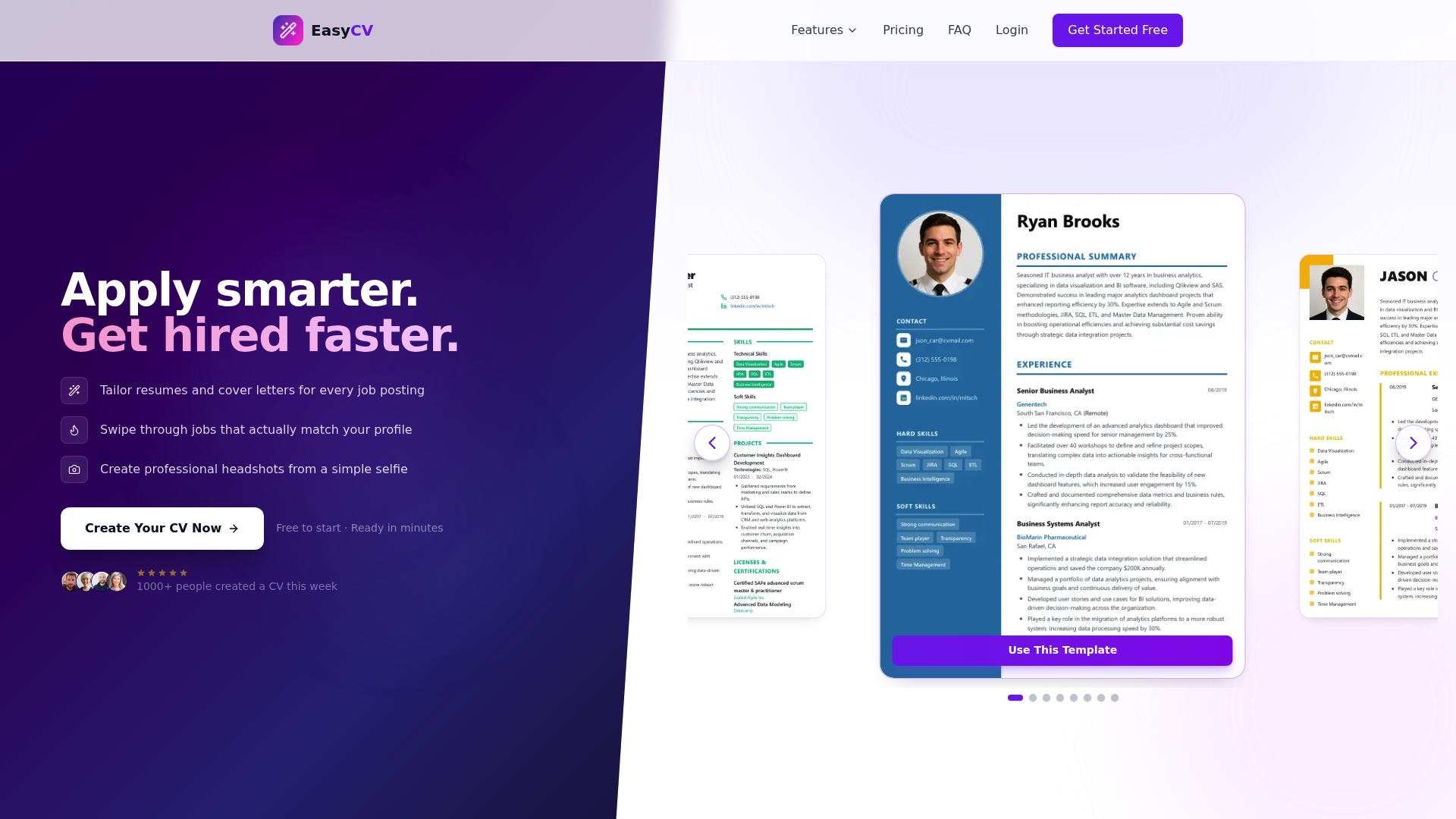
Easy-cv puts every tool you need for a modern, ATS-ready resume in one place. The AI-powered CV builder generates tailored content for each application, mirrors job description language automatically, and offers a library of clean, ATS-friendly modern resume templates that meet 2026 hiring standards. You can track every application, generate a cover letter in the same session, and even create a studio-quality headshot from a selfie. Whether you are applying to ten roles or a hundred, Easy-cv cuts the manual work so you can focus on the applications that matter most.
FAQ
What is modern resume design in simple terms?
Modern resume design is the practice of structuring a resume to pass ATS screening and engage human recruiters simultaneously, using a skills-first layout, clean formatting, and content tailored to each specific job posting.
What makes a resume ATS-friendly in 2026?
An ATS-friendly resume uses a single-column layout, standard section headings, safe fonts like Calibri or Arial, and is saved as a text-based PDF or DOCX. Tables, graphics, and text boxes cause parsing errors that lower your ranking score.
How do I choose the right modern resume format?
Choose based on your career stage. Career changers benefit from the Skills-First format, mid-career professionals with clear progression do best with Enhanced Chronological, and creative roles can use the Visual-Strategic format with subtle design elements.
Can I use AI to write my resume and still sound authentic?
Yes, but with discipline. Use AI tools to generate strong draft content and identify relevant keywords, then rewrite in your own voice with specific details. 49% of hiring managers dismiss resumes that read as AI-generated, so specificity and personal language are non-negotiable.
How often should I update my resume design?
Update the content for every application by tailoring your summary and skills section to the job description. Review the overall design and format once or twice a year, or whenever you notice a drop in your ATS pass rate or interview conversion rate.