Modern CV sections: Build the perfect resume

Most job seekers spend hours perfecting the content of their CV while barely questioning the structure. That is a costly mistake. The modern cv sections you choose, and how you label and order them, determine whether your application clears ATS (applicant tracking system) software before a single human ever reads it. Get the sections right and your qualifications finally get a fair hearing. Get them wrong and your CV vanishes into a black hole regardless of how strong your experience is. This guide breaks down exactly what to include, what to skip, and how to format it all for 2026’s hiring environment.
Table of Contents
- Understanding the criteria for modern CV sections
- Core modern CV sections explained
- Optional modern CV sections to boost your profile
- Comparing common CV formats and their section structures
- Making the right decisions to craft your modern CV sections
- Why simplicity and standards beat creativity in CV sections
- Create your perfect modern CV with Easy CV AI builder
- Frequently asked questions
Key Takeaways
| Point | Details |
|---|---|
| Core sections matter most | Include contact info, professional summary, skills, experience, and education for a strong foundation. |
| ATS-friendly formatting | Use standard headings and simple, single-column layouts to ensure your CV is readable by applicant tracking systems. |
| Optional sections add value | Add certifications, projects, awards, volunteering, or languages only if relevant to the job. |
| Format choice depends on career | Chronological and combination formats work well for most; functional suits career changers but may challenge ATS. |
| Keep it clear and standard | Avoid creative section names and complex layouts to maximize recruiter and ATS understanding. |
Understanding the criteria for modern CV sections
Before you decide which sections belong on your CV, you need to understand what those sections are being judged against. There are two audiences: software and humans. They have very different preferences, and your CV has to satisfy both simultaneously.
ATS-compatible CVs use standard, scannable section headings and simple single-column layouts without tables or text boxes. That means a section labeled “Where I’ve Worked” instead of “Work Experience” is not a clever personal touch. It is a parsing error waiting to happen. The ATS does not recognize your creativity. It just moves on, often dropping your information entirely.
Human recruiters are not much more patient. Research consistently shows they spend only seconds on an initial CV scan, looking for clearly labeled sections that let them extract what they need fast. Dense paragraphs, unconventional layouts, and buried information all work against you. CV format trends in 2026 favor clean, labeled, and logically ordered sections over anything visually complex.
Regional norms add another layer of decision-making. For example, UK CVs exclude photos and personal identifiers due to the Equality Act 2010, while some European countries still expect a photo and date of birth. Knowing the rules for your target market matters before you build your section structure.
Key criteria to apply when choosing and labeling your modern CV sections:
- Use standard, widely recognized section headings (not creative alternatives)
- Stick to a single-column layout to avoid ATS parsing failures
- Write dates and job titles in plain text, not inside graphics or tables
- Research regional expectations before including personal details or photos
- Reference modern CV essentials to confirm current expectations for your target market
Pro Tip: When in doubt about a section label, use the most obvious word. “Skills” beats “Core Competencies.” “Education” beats “Academic Background.” Clarity wins every time.
Now that you understand the selection criteria shaping modern CVs, let’s explore the core sections every effective CV should include.
Core modern CV sections explained
The most consistently recommended modern CV sections are contact information, professional summary, skills, work experience, and education. These five sections form the non-negotiable backbone of any effective CV across industries and career stages. Here is how to handle each one correctly.
Contact information should include your full name, a professional email address, phone number, and your city or region. Skip the full street address. It is unnecessary, and in some markets it raises privacy concerns. Add a LinkedIn URL if your profile is current and complete.

Professional summary is where most candidates write the weakest content on their entire CV. Two to three sentences. That is your budget. Use it to state your professional identity, a standout achievement, and what you are targeting. Avoid vague phrases like “results-driven professional.” Instead, write something like: “Procurement manager with 8 years reducing supplier costs by an average of 22% annually, seeking a senior operations role in manufacturing.” That is specific, credible, and immediately useful to a recruiter.
Skills is one of the most important sections for ATS matching. Pull keywords directly from the job description and include both hard skills (specific tools, software, certifications) and soft skills (communication, project management). Tailor this list for every application. Creating multiple CV versions for different roles is one of the most effective strategies available to active job seekers.
Work experience should run in reverse chronological order. List your job title, company name, location, and dates clearly. Under each role, use bullet points to describe accomplishments rather than duties. “Managed a team” says nothing. “Led a team of 12 through a 6-month ERP migration, completing on budget and 3 weeks ahead of schedule” says everything.
Education gets briefer as your career progresses. For anyone with more than five years of experience, degree, institution, and graduation year is sufficient. Save space for your experience and skills.
Use your AI-optimized resume checklist to verify that every core section is complete and properly formatted before submitting.
Pro Tip: Bullet points in your work experience and skills sections are not just cosmetic. They allow recruiters to scan and extract information in seconds, which significantly increases the chance your CV advances.
With the core sections covered, let’s look at popular optional sections that can strengthen your CV when relevant.
Optional modern CV sections to boost your profile
Optional sections are where many job seekers either miss opportunities or go too far. The goal is not to fill space. It is to include only what adds genuine value to your candidacy for a specific role. These optional sections, including certifications, projects, awards, volunteer work, and languages, are recommended as needed after your core sections.
Here is how to think about each one:
- Certifications: Include these if they are required or highly valued in your field. A PMP for a project manager, an AWS certification for a cloud engineer, or a CPA for an accountant all belong on the CV. General online certificates with no industry recognition do not.
- Projects: Especially valuable for recent graduates, freelancers, or anyone whose job titles do not fully represent their capabilities. Describe the project, your role, and a measurable outcome.
- Awards and honors: Only include awards that would mean something to a hiring manager in your field. Industry recognition, sales performance awards, or academic distinctions qualify. Employee of the Month from 2019 probably does not.
- Volunteer work: Underestimated by most candidates. Relevant volunteering demonstrates initiative, community involvement, and often transferable skills like leadership and communication. For career changers, it can bridge experience gaps convincingly.
- Languages: State your proficiency level honestly using recognized scales (Native, Fluent, Professional Working Proficiency, Conversational). Never exaggerate. You will be tested.
The most important rule for optional sections is selectivity. A CV with six optional sections that are all marginally relevant looks unfocused. One or two optional sections that are tightly aligned to the job make a strong impression. Review the job application tips that explain how to tailor every part of your application to a specific role.
Now that you have seen the main and optional sections, let’s compare how different CV formats organize these sections to maximize ATS and recruiter appeal.
Comparing common CV formats and their section structures
Your section choices interact with your overall CV format. Chronological resumes list work experience in reverse chronological order and are the easiest format for ATS to scan. They are the default choice for most job seekers with consistent work histories. Functional resumes focus on skills rather than work history, making them useful for career changers, but they are less ATS-friendly and can raise red flags with recruiters who prefer chronological transparency.
Combination formats blend both approaches: a strong skills section up front followed by a reverse chronological work history. This works well for senior candidates or those pivoting into related fields while still wanting to showcase a solid track record.
| Format | Best for | Pros | Cons | ATS friendliness |
|---|---|---|---|---|
| Chronological | Consistent work history | Clear timeline, high ATS compatibility | Exposes gaps | High |
| Functional | Career changers, gaps in employment | Highlights transferable skills | ATS struggles to parse it, raises recruiter suspicion | Low |
| Combination | Senior professionals, partial pivots | Balances skills and experience | Longer, needs careful editing | Medium to high |
Explore the types of resumes guide for a detailed breakdown of when each format fits your situation.
Pro Tip: If you are unsure which format to use, default to chronological. It is the format recruiters are most familiar with and the one ATS systems handle best. Only switch to functional if your work history genuinely cannot represent your skills.
Having explored formats and sections individually, let’s synthesize these insights to help you decide how to build your modern CV for your situation.
Making the right decisions to craft your modern CV sections
Knowing what each section does is one thing. Knowing how to sequence your decisions is another. Here is a practical six-step framework you can apply right now:
- Start with the five universal core sections. Contact information, professional summary, skills, work experience, and education form the foundation of every effective CV regardless of industry or career stage. Do not skip or merge these.
- Layer in optional sections based on the specific job. Read the job description carefully. If certifications are listed as required, include that section. If the role values community work, add volunteer experience. Let the job description drive your section choices.
- Choose your format based on your work history and ATS expectations. Chronological works for most people. Combination works well for senior professionals or partial career pivots. Avoid functional unless it is the only logical option.
- Follow regional CV best practices. The standard sections and ordering you use should reflect where you are applying. Omit photos and personal details for UK applications. Include a location city for US applications. Research country-specific norms before applying internationally.
- Keep formatting simple. Single column. Standard headings. No tables, graphics, or multi-column layouts. Use plain text for dates and titles. Anything that looks like a design element is a potential ATS failure point.
- Revise your CV sections for every significant application. One CV for every job is not an efficient strategy. Understand how to use the resume vs CV format distinctions to adapt your document to the role and the market. Keep a master version and create targeted edits from it.
Every job seeker at every career stage can use this framework. Whether you are a recent graduate building your first CV or a director pivoting industries, the logic is the same: start with universals, customize for context, and prioritize clarity. For a thorough overview of the full document, the essential CV guide covers everything from structure to submission.
Why simplicity and standards beat creativity in CV sections
Here is the uncomfortable reality that most CV advice dances around: the creative CV that looks stunning in Canva is often the one that gets zero callbacks. Not because the candidate is underqualified. Because the ATS choked on a text box, misread a two-column layout, or skipped a section labeled “My Journey” instead of “Work Experience.”
“Using creative section names or complex layouts can cause ATS parsing errors and reduce recruiter engagement despite strong candidate qualifications.”
The instinct to stand out is not wrong. The execution usually is. Candidates who customize section names or add graphic timelines are solving an imaginary problem. Recruiters are not bored by standard CVs. They are relieved by them. A clearly labeled, logically ordered document that lets a recruiter find what they need in ten seconds is not generic. It is professional.
The real differentiator is not your layout. It is the quality of what you put inside each section. A bullet point that quantifies a specific result in a plainly formatted work experience section does more for your candidacy than any color-coded skills bar or decorative header. The modern CV essentials that actually move the needle are content-driven, not design-driven.
There is a middle ground worth pursuing. Subtle typographic choices, consistent spacing, strategic use of white space, and a clean sans-serif font at a readable size create a polished document without introducing ATS risk. That is the standard to aim for in 2026.
Pro Tip: Use bold text to highlight job titles and company names within your experience section. It helps recruiters skim without requiring any complex formatting that could trip up an ATS.
Create your perfect modern CV with Easy CV AI builder
Knowing what modern CV sections to include is the first step. Actually building a CV that passes ATS, impresses recruiters, and is tailored to each role is where most job seekers lose time and momentum.
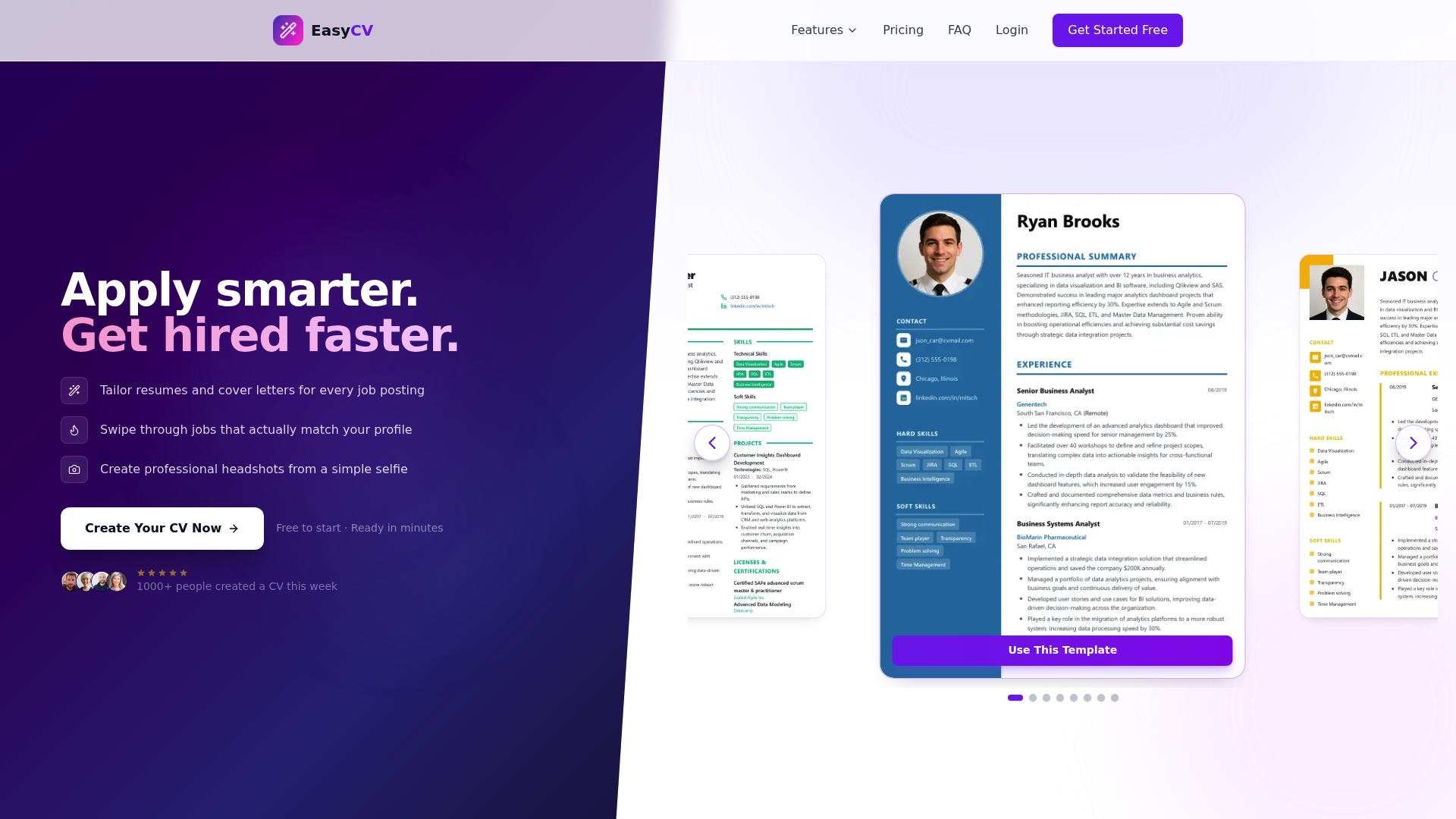
The Easy CV AI builder guides you through selecting the right sections, applying the correct format, and generating content that reflects your real experience. No more second-guessing section order or keyword density. The platform’s templates are built around ATS best practices, so you get clean, single-column layouts with standard headings by default. You can generate multiple tailored CV versions from one master profile, each optimized for a different role or industry. Explore all the tools available on the Easy CV features page and start building a CV that actually gets read.
Frequently asked questions
What are the essential sections in a modern CV?
Most modern CVs include contact information, a professional summary, skills, work experience, and education as the five non-negotiable core sections. These apply across industries and career levels.
Why should I avoid using photos or personal details in a UK CV?
UK hiring norms and the Equality Act 2010 discourage photos and identifiers like date of birth to prevent unconscious bias and potential discrimination in the hiring process.
Which CV format is best for passing applicant tracking systems?
Chronological resumes are the most ATS-friendly because they use standard section headings and a predictable structure that parsing software handles reliably. Combination formats also score well when formatted simply.
Can I customize section names in my CV to stand out?
No. Creative section names confuse ATS software and can cause your information to be dropped entirely before a recruiter sees it. Stick to universally recognized labels.
How many optional sections should I add to my CV?
Include only optional sections that are directly relevant to the specific role. One or two well-chosen additions strengthen your candidacy. More than that risks making your CV look unfocused.