AI Resume Writing Workflow: Your 2026 Step-by-Step Guide
Most people treat resume writing like a one-time sprint. They stare at a blank document, type something that sounds reasonable, and hope it gets through. That approach no longer works. In 2026, a structured ai resume writing workflow is the difference between getting screened out by software before a human ever reads your name and landing the interview. The good news is that AI has made this process dramatically faster. The catch is that you still have to do the thinking. This guide shows you exactly how to run that process from start to finish.
Table of Contents
- Key Takeaways
- What you need before starting an AI resume writing workflow
- The step-by-step AI resume drafting process
- Verifying and optimizing AI-generated resumes
- Tools and tips for maintaining your resume long-term
- Common mistakes and how to fix them
- My honest take on AI and authentic resumes
- Build your next resume faster with Easy-cv
- FAQ
Key Takeaways
| Point | Details |
|---|---|
| Prepare before you prompt | Build a master career document first so AI generates relevant, accurate content every time. |
| Follow a repeatable workflow | Use a 4-5 step loop covering keyword extraction, drafting, and ATS verification for every application. |
| Aim for 70-80% keyword match | Chasing a perfect score leads to stuffing; authentic content wins in actual interviews. |
| Human rewrite is non-negotiable | AI drafts need a personal voice edit on summaries and key bullets before you submit. |
| Keep formatting simple | Single-column, clean layouts are critical for ATS parsing success. |
What you need before starting an AI resume writing workflow
The biggest reason people get mediocre results from AI resume tools is not the tool. It is what they feed into it. Garbage in, garbage out applies here harder than anywhere else.
Start by building a master career document. This is a running file where you store every job title, date, metric, project, award, certification, and skill you have accumulated. Maintaining a master document of all achievements and feeding it into AI each time improves resume relevance and scale far more than recycling an old draft. Think of it as your raw material library. The AI is the machine that shapes it.

Next, get the right tools lined up. You do not need a dozen apps. You need two or three that cover the core jobs.
| Tool type | Example options | Key function |
|---|---|---|
| AI resume builder | Easy-cv, all-in-one platforms | Draft generation, ATS formatting, keyword matching |
| Grammar and tone checker | Grammarly | Voice editing, clarity, conciseness |
| Document organizer | Notion, Google Docs | Master career document storage and version control |
| ATS scanner | Built-in to many AI builders | Keyword match scoring before submission |
You also need a working understanding of ATS basics. Over 75% of large companies use applicant tracking systems to filter resumes before a recruiter sees them. ATS software scans for keywords, job titles, and formatting patterns. If your resume uses text boxes, graphics, or columns, it often breaks the parse entirely.
Pro Tip: Set your master career document to include a “metrics” section where you record every number you can defend in an interview: percentages, dollar amounts, team sizes, and timelines. These become the fuel for strong AI-generated bullets.
The mindset piece matters too. AI is an assistant in this process, not the author. Using AI to remove workflow friction and support idea organization produces far better results than asking it to write your career story from scratch.
The step-by-step AI resume drafting process
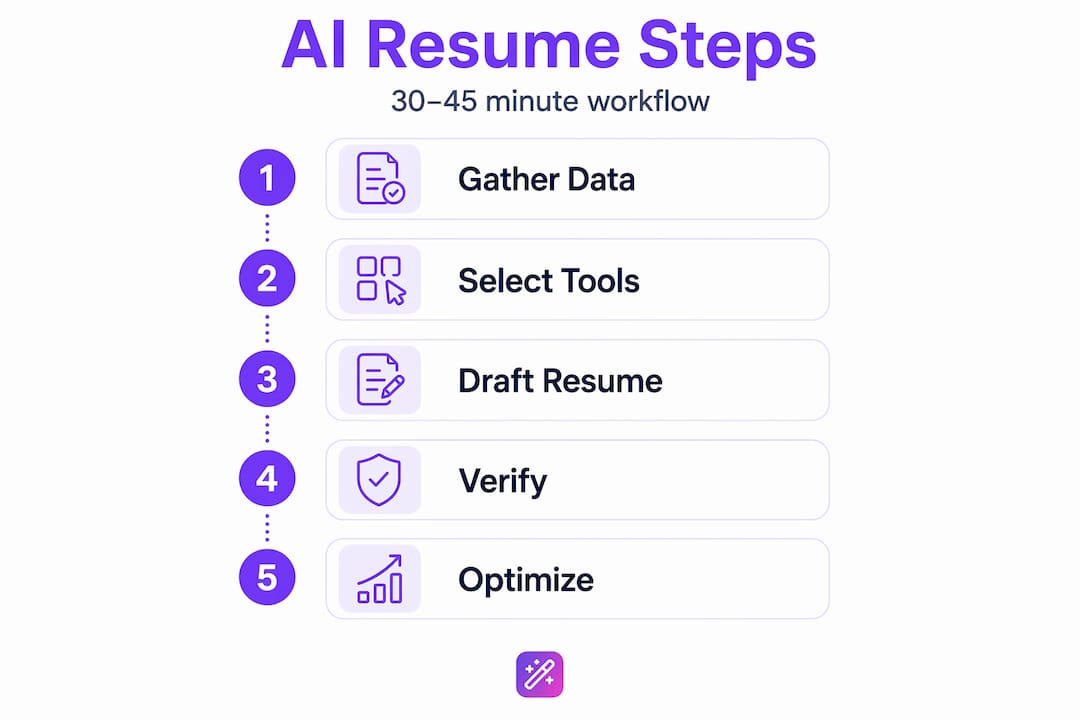
This is where the actual automated resume creation process takes shape. Work through these steps in order for every application you submit.
-
Copy the full job description into a text file. Do not summarize it. You want the raw language the employer used, because that is what the ATS is trained to recognize.
-
Extract the top 10-15 keywords. Ask your AI tool to identify required skills, preferred qualifications, and repeated phrases. Focus on nouns and technical terms. Words like “project management,” “cross-functional collaboration,” or “Python” carry far more weight than verbs like “managed” or “led.”
-
Map those keywords against your master career document. Identify which roles and achievements already demonstrate each keyword. This step keeps you honest. You should only use a keyword if your background genuinely supports it.
-
Rewrite your experience bullets using the XYZ formula. Recruiters spend about 6 seconds initially scanning a resume, so every bullet must communicate impact immediately. The XYZ formula is: action verb + what you did + scope or context + measurable result. For example: “Reduced customer onboarding time by 40% by redesigning the intake process for a 12-person support team.” Ask your AI tool to rewrite your raw bullet points in this format using the metrics from your master document.
-
Generate the full draft or refine section by section. For most people, the section-by-section method produces better results. Paste in your job description, your relevant experience from the master document, and your XYZ bullets, then ask the AI to write each section one at a time: summary, experience, skills, education. Review each one before moving to the next.
Pro Tip: Never let AI invent a metric. If you did not track the number, do not include it. A hallucinated “increased revenue by 32%” will unravel the moment an interviewer asks you to explain it.
The full AI resume builder workflow should take 30 to 45 minutes per application when you have your master document ready. The keyword extraction alone saves most people an hour of guesswork, which is what makes efficient resume writing with AI so practical at scale.
Verifying and optimizing AI-generated resumes
A draft is not a finished resume. This stage is where most people skip ahead and pay for it later.
Start with a facts check. Read every bullet and ask yourself: can I talk about this in an interview for five minutes without consulting notes? 67% of hiring managers say AI-optimized resumes make skills harder to verify, which is why defensibility matters more than polish at this stage.
Once the facts are solid, edit your summary and two or three key bullets into your actual voice. Read them aloud. If they sound like a press release, rewrite them until they sound like you explaining your work to a smart friend. This is the heart of any good ai resume optimization process: the AI creates the structure, and you supply the personality.
Here is a quick verification checklist before you submit:
- Confirm every metric is one you lived and can explain
- Check that your keyword match sits between 70 and 80 percent, not higher
- Read for “AI-speak” phrases like “demonstrated track record of excellence” and replace them with specific facts
- Verify your formatting uses a single-column clean layout with standard section headings
- Run the document through an ATS scanner to catch any parsing issues
- Remove text boxes, graphics, tables used for layout, and any non-standard fonts
Most resumes fail ATS due to fancy layouts, tables, or graphics. A clean, single-column format parses best every time.
Pro Tip: Paste your resume text into a plain text editor like Notepad before submitting. If it looks scrambled, an ATS will read it the same way.
AI resume builders that focus on parseable, consistent formatting consistently outperform tools that rely on keyword stuffing. The formatting layer is not aesthetic. It is functional.
Tools and tips for maintaining your resume long-term
Efficient resume writing with AI is not just about speed on a single application. It is about building a system you can reuse and update without starting over.
The most practical setup for most job seekers is a small stack: one AI-powered resume platform for drafting and ATS matching, one grammar tool for tone editing, and one document app for your master career document. You do not need more than that.
A few habits that pay off over time:
- Update your master career document immediately after completing a major project, not at job search time when your memory is fuzzy
- Keep a “rejected bullets” folder with AI drafts that did not make it into a submission. These are useful raw material for future versions
- Use AI to improve your CV for specific job boards, since different platforms weight different signals
- Create a separate resume version file for each industry or role type you are targeting, not one generic document
- Set a calendar reminder every 90 days to review and refresh your master document
Pro Tip: Label each saved resume version with the job title and company name, not just a date. When you reapply six months later, you will know exactly which version performed and which sections to update.
The AI-powered resume editing techniques that save the most time are the ones you build into a repeatable routine. The first time you run this workflow, it takes an hour. By the fifth application, you are down to 20 minutes.
Common mistakes and how to fix them
Even with a solid process, specific errors show up repeatedly when people use AI for resumes.
- Hallucinated content: AI sometimes invents titles, company names, or metrics that do not appear in your source material. Fix this by always feeding AI your own data and reviewing every output line by line before saving.
- ATS formatting failures: Multi-column layouts, icons, and embedded tables break parsing. The fix is always the same: switch to a clean single-column template.
- Loss of voice: When the AI writes the entire narrative without your input, the result reads as generic. Recruiters are increasingly wary of AI-driven resumes that lack authenticity. Fix this by rewriting your summary and top three bullets in your own words every single time.
- Over-optimizing for keywords: Targeting 100% keyword match leads to stuffed, unreadable content. Aim for 70-80% keyword alignment and prioritize natural language.
- Reusing old drafts as AI source material: Feeding a previous resume back into AI just produces slightly reworded versions of the same document. Always go back to your master document.
The best fix for almost every AI resume mistake is the same: slow down at the verification stage. The drafting step can be fast. The review step cannot.
Most of these issues are not AI problems. They are process problems. A tight workflow prevents them before they happen.
My honest take on AI and authentic resumes
I have spent a lot of time watching how people actually use AI in their job searches, and the pattern I keep seeing is this: the people who get the best results treat AI like a very capable first-draft editor. The people who struggle treat it like a magic button.
What I have learned is that AI is genuinely powerful at two specific things: organizing your raw material into a readable structure and matching your language to what a specific job posting is asking for. Those two things alone used to take most people three to four hours per application. Now they take 20 minutes. That is real.
But I have also seen what happens when someone submits a resume that is 100% AI-generated without a personal rewrite. The summary reads like it was written for a fictional candidate. The bullets are technically correct but emotionally flat. And when the hiring manager asks about a specific achievement in the interview, the candidate struggles to describe it in their own words because the language was never theirs to begin with.
My take is simple: use AI to do the heavy lifting on structure, keywords, and formatting. Then spend 15 minutes rewriting the summary and your most important bullets in the voice you actually use when you talk about your work. That combination is what gets callbacks. The AI gets you through the ATS. Your voice gets you through the interview. You need both, and the how to use AI for resumes question is really a question about where you draw that line.
— Andras
Build your next resume faster with Easy-cv
If you want to run this entire workflow in one place instead of juggling three or four separate tools, Easy-cv was built for exactly that.
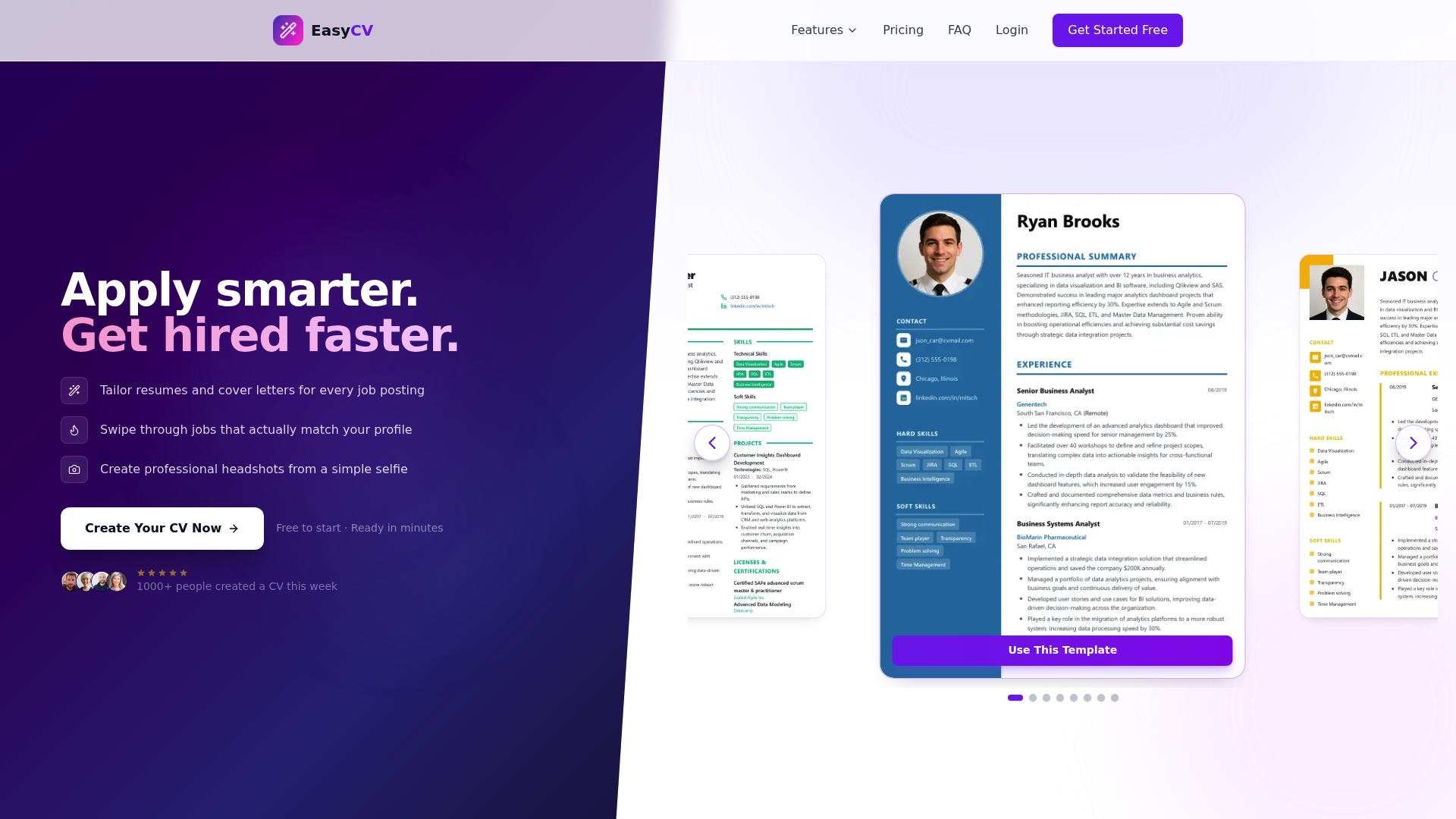
Easy-cv handles keyword extraction, ATS-friendly formatting, and draft generation all in one platform. The AI CV builder supports multiple resume versions, so you can keep a tailored document for every role type you are targeting. Templates are single-column by design, which means you get ATS compatibility without having to think about it. You can also explore the full platform features to see how cover letter generation, job matching, and resume translation fit into your broader job search. Whether you are updating a resume for the first time in five years or submitting 20 applications a month, the workflow stays the same. You just run it faster.
FAQ
What is an AI resume writing workflow?
An AI resume writing workflow is a repeatable process where you use AI tools to extract keywords from job descriptions, draft and structure resume content, and verify ATS compatibility before submitting. The process typically runs in 4 to 5 steps and always includes a human review stage.
How do I avoid AI-generated resumes sounding generic?
Rewrite your summary and top three experience bullets in your own words after the AI produces a draft. Replace phrases like “results-driven professional” with specific facts and numbers you can speak to in an interview.
What keyword match percentage should I target?
Aim for 70 to 80 percent keyword alignment with the job description. Targeting 100% often results in unnatural phrasing that reads poorly to human reviewers and can actually hurt your chances in interviews.
Why do some AI resumes fail ATS screening?
Resumes fail ATS parsing most often because of complex formatting: multi-column layouts, graphics, embedded tables, or non-standard fonts. A clean, single-column format with standard section headings is what ATS systems parse most reliably.
How often should I update my master career document?
Update it immediately after completing a significant project, earning a certification, or hitting a measurable result. Waiting until you are actively job searching means you will miss details that make your bullets specific and credible.