Why professional resume templates boost your job search

Your resume has about six seconds to make an impression before a recruiter moves on. That’s not a design problem — it’s a structure problem. Most job seekers spend hours crafting the perfect bullet points, then present them in a format that’s hard to scan, inconsistent, or invisible to automated screening software. Professional resume templates solve all three issues at once, giving your experience the visual and technical foundation it needs to actually get noticed.
Table of Contents
- What makes a resume ‘professional’?
- Benefits of choosing professional resume templates
- Comparing DIY vs. professional resume templates
- When and how to use professional resume templates
- Our take: Why most job seekers undervalue resume templates
- Try professional resume templates with Easy CV
- Frequently asked questions
Key Takeaways
| Point | Details |
|---|---|
| Professional design matters | A well-designed resume template increases your chances of standing out and landing interviews. |
| ATS compatibility is crucial | Professional templates help your resume pass automated screening systems efficiently. |
| Save time and avoid errors | Templates streamline the editing process, reduce mistakes, and are easy to update. |
| Personalization amplifies results | Customizing templates lets your strengths shine and matches target industry expectations. |
What makes a resume ‘professional’?
Not every resume that looks neat qualifies as professional. A truly professional resume combines visual clarity, logical structure, and technical compatibility with the systems recruiters use to screen applicants. These aren’t just cosmetic details. They directly affect whether your resume gets read by a human at all.
Here’s what separates a professional resume from a basic one:
- Clear visual hierarchy: Recruiters scan, they don’t read. Headings, subheadings, and white space guide the eye to the most important information first.
- Consistent formatting: One font family, uniform spacing, and aligned margins signal attention to detail before a recruiter reads a single word.
- ATS optimization: Applicant Tracking Systems (ATS) are software programs that parse resumes before a human sees them. Fancy tables, graphics, and non-standard fonts can break this parsing entirely.
- Relevant sections in the right order: Contact info, summary, experience, education, and skills should follow a logical sequence that matches industry expectations.
- Appropriate length: One page for early-career professionals, two pages maximum for those with ten or more years of experience.
Common mistakes that undermine even strong candidates include cluttered layouts with too many design elements, inconsistent font sizes that make the document feel chaotic, and walls of text with no visual breaks. The resume format comparison between resume types shows clearly that the difference in resume formats impacts hiring outcomes in measurable ways.
“A resume isn’t just a document — it’s a first impression that has to work in under ten seconds, often without a human in the room.”
Templates bring all of these elements together in a pre-tested structure. Instead of guessing whether your margins are right or your section headers will parse correctly, you start from a foundation that already meets professional standards.

Benefits of choosing professional resume templates
Once you know what makes a resume professional, consider the specific benefits templates can deliver. These aren’t abstract advantages. They translate directly into more callbacks, fewer rejections, and less time spent reformatting your document for every new application.
| Benefit | DIY resume | Professional template |
|---|---|---|
| ATS compatibility | Often unreliable | Tested and optimized |
| Visual consistency | Depends on skill | Built in by design |
| Time to complete | 3 to 5 hours | 30 to 60 minutes |
| Error rate | Higher | Lower |
| Customization ease | Manual | Guided and flexible |
The time savings alone make templates worth considering. Following job application tips from hiring professionals consistently shows that templates save time and make resumes stand out in competitive applicant pools. When you’re applying to multiple positions simultaneously, cutting your resume prep time from hours to minutes is a real competitive edge.
ATS compatibility deserves special attention. Many job seekers don’t realize that a beautifully designed resume can score zero in an automated screen if it uses the wrong file structure or formatting. Understanding job board success means recognizing that templates help with ATS and job board compatibility, which directly affects how many human recruiters actually see your application.
Here are the core benefits in practical terms:
- Faster editing: Swap out content without rebuilding the layout from scratch each time.
- Reduced formatting errors: Pre-set styles prevent accidental inconsistencies.
- Stronger visual impact: Clean design makes your experience look more credible, even before a recruiter reads it.
- Industry alignment: Templates are often designed with specific fields in mind, so a tech resume looks different from a creative portfolio or a finance application.
- Scalability: Create multiple versions of your resume for different roles without starting over each time.
Pro Tip: If you’re applying to roles across different industries, keep two or three template versions ready. A clean, minimal template works well for corporate roles, while a slightly more visual layout can work for marketing or design positions. Using tools for CV improvement for job boards can help you match the right format to the right opportunity automatically.
Comparing DIY vs. professional resume templates
To see the real impact, let’s compare creating your own resume versus using a professional template. This isn’t about whether you’re capable of designing a resume yourself. It’s about what each approach actually produces and what risks come with each path.
| Factor | DIY resume | Professional template |
|---|---|---|
| ATS readability | Often fails parsing | Consistently passes |
| Design consistency | Varies by skill level | Standardized |
| Time investment | High | Low |
| Industry alignment | Requires research | Built into template design |
| Error detection | Manual | Guided by structure |
| Recruiter perception | Inconsistent | Polished and credible |
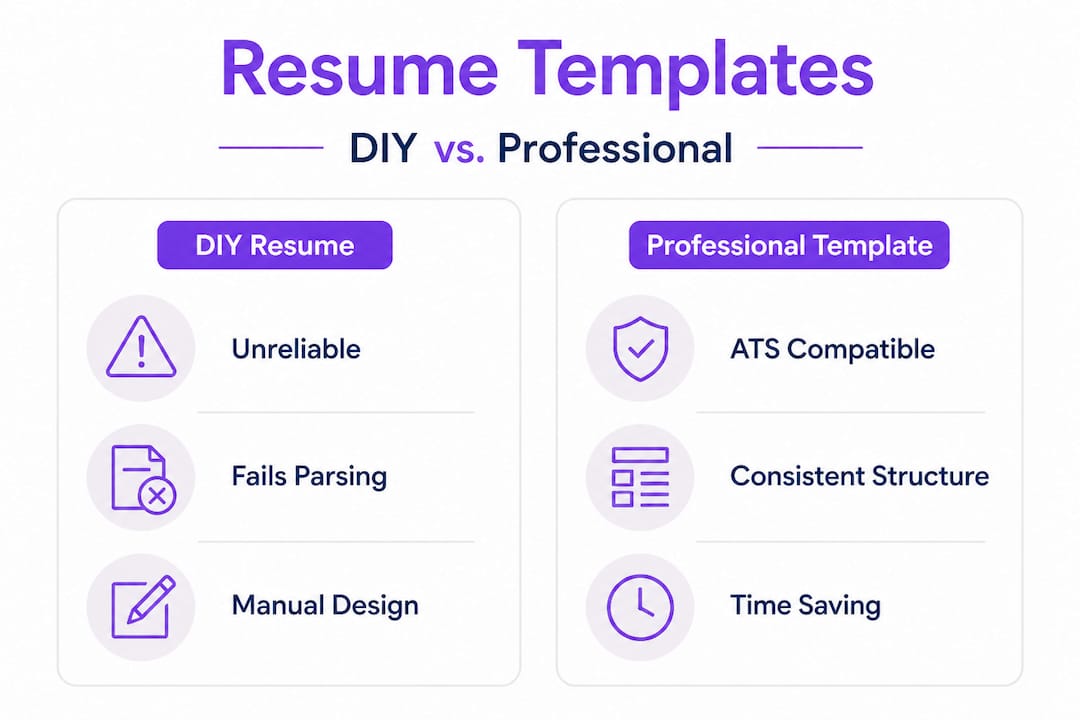
DIY resumes have one major hidden risk: you don’t know what you don’t know. Most job seekers building resumes from scratch in a word processor make formatting decisions that feel right but violate ATS rules or recruiter expectations. Following a solid resume checklist reveals that DIY resumes may miss key requirements for professional standards, including proper keyword placement, section labeling, and file formatting.
Here’s what typically goes wrong with DIY resumes:
- Incorrect section labels: ATS systems look for specific keywords like “Work Experience” or “Education.” Custom labels like “My Career Journey” won’t parse correctly.
- Tables and text boxes: These look great visually but often become unreadable when parsed by automated systems.
- Inconsistent date formats: Mixing “January 2022” with “01/2022” signals carelessness.
- Wrong file type: Submitting a .pages or .odt file instead of a .pdf or .docx can cause parsing failures.
- Missing keywords: Without knowing the role’s required terms, DIY resumes often fail keyword matching even when the candidate is qualified.
Professional templates eliminate most of these risks by design. The structure is pre-tested, the section labels are standard, and the formatting is clean enough to pass automated screening while still looking polished to a human reader. The result is a resume that works at every stage of the hiring process, not just the parts you can see.
When and how to use professional resume templates
Now that you know the benefits and what to look for, here’s how to put professional templates to work for your job search. The good news is that templates aren’t just for beginners. They serve job seekers at every career stage, from first-time applicants to senior professionals making lateral moves.
Who benefits most from professional templates:
Templates are particularly valuable for students and recent graduates who haven’t yet built a strong visual sense for professional documents. They’re equally useful for career changers who need to reframe transferable skills in a format that speaks to a new industry. Professionals returning to the workforce after a gap also benefit from the structure templates provide, since it helps them present their experience without drawing attention to timeline gaps.
How to choose the right template:
- Identify your industry’s visual norms. Finance and law favor clean, conservative layouts. Marketing and design allow for more visual expression. Tech roles often prefer minimal, highly scannable formats.
- Check for ATS compatibility. Look for templates that use standard fonts like Arial, Calibri, or Georgia, avoid text boxes and graphics in key content areas, and use clear section headings.
- Match the template length to your experience. A one-page template is right for most early-career applicants. Two-page templates suit professionals with extensive histories.
- Prioritize white space. A template that feels slightly sparse is better than one that feels crowded. Recruiters need breathing room to scan quickly.
- Test with a plain-text copy. Paste your completed resume into a plain text editor. If the content reads logically in that format, it will likely parse well in ATS systems.
Understanding AI resume writing tips can help you go further by using AI to tailor your template content to specific job descriptions. The data is clear: resume automation shows that templates streamline resume writing and adapt to various career needs, making the whole process faster and more targeted.
Pro Tip: Don’t forget your cover letter. A matching cover letter template creates a cohesive application package that signals professionalism before a recruiter reads a single word of your content.
Personalizing your template:
Using a template doesn’t mean your resume looks generic. The key is to treat the template as a container, not a script. Keep the structure, but fill it with your specific achievements, metrics, and language. Replace placeholder text with concrete numbers: “increased sales by 34% in Q3” beats “responsible for sales growth” every time. Adjust the color scheme subtly if the template allows it, particularly if you’re in a creative field. And always tailor the summary section to the specific role you’re applying for, even if the rest of the resume stays consistent.
Our take: Why most job seekers undervalue resume templates
Here’s an honest perspective that most career advice skips over: job seekers often treat resume templates as a shortcut for people who can’t design. That framing is completely backward.
The professionals who use templates most effectively aren’t the ones who lack design skills. They’re the ones who understand that a recruiter’s job is to filter, not to admire. A resume’s primary function is to survive automated screening, communicate relevant experience in under ten seconds, and earn a phone call. Templates are engineered to do exactly that. Raw design talent, used without structural discipline, often produces resumes that look impressive but fail on the functional requirements.
There’s also a personalization paradox worth addressing. Many job seekers resist templates because they want their resume to feel unique. But uniqueness in resume design almost always works against you. Recruiters process dozens or hundreds of applications for a single role. A resume that follows familiar conventions is easier to scan, which means your actual qualifications get more attention. The goal isn’t to stand out visually. It’s to make your experience impossible to overlook.
What recruiters actually notice first is structure. Before they read your job titles or company names, they’re assessing whether the document is easy to navigate. A template that puts your most relevant experience in the right place, with the right visual weight, does more for your application than a custom design that buries your strongest credentials.
The winning job tips that consistently produce results aren’t about creativity. They’re about clarity, relevance, and making it easy for a recruiter to say yes. Templates are one of the most direct tools for achieving all three. And as the Easy CV platform demonstrates, templates are often a differentiator in competitive job searches, not a crutch, but a strategic advantage.
Try professional resume templates with Easy CV
Ready to stop guessing and start applying with confidence? Easy CV gives you access to a library of professionally designed, ATS-tested resume templates built for real job seekers across every industry and career stage.
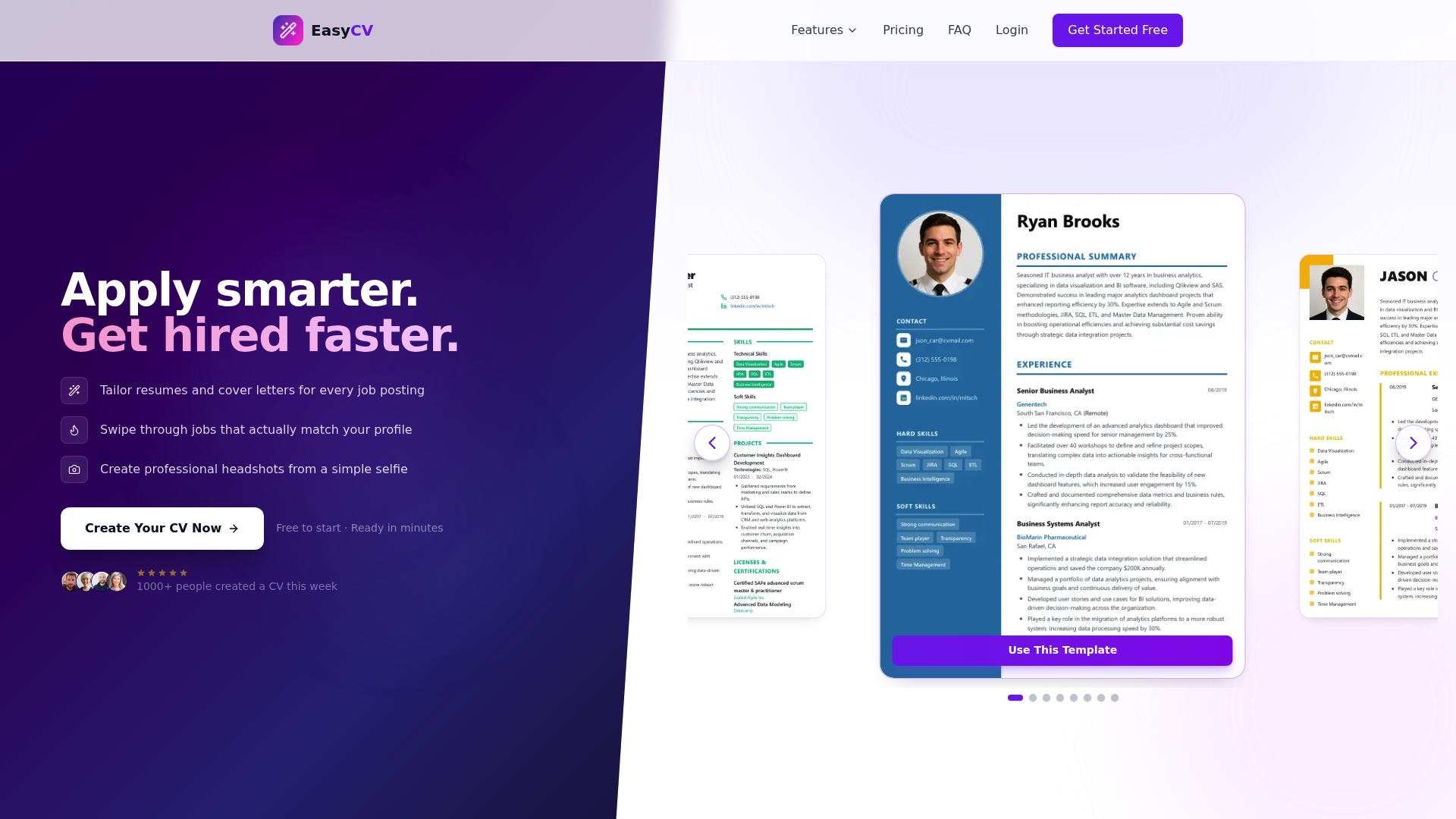
With Easy CV’s full feature set, you can select a template, fill it with AI-optimized content tailored to your target role, and export a polished resume in minutes. The platform’s AI tools handle keyword matching, formatting checks, and even cover letter generation, so your entire application package is consistent and competitive. Whether you’re a recent graduate applying for your first role or a seasoned professional making a strategic career move, the Easy CV AI builder gives you the tools to present your best self, every time.
Frequently asked questions
Do professional resume templates work with ATS systems?
Yes, most professional templates are designed to be ATS-friendly, using standard formatting and section labels that automated systems can parse without errors.
Can I customize a professional resume template to fit my personal style?
Professional templates can be personalized for branding and industry requirements without sacrificing structure, since the format stays consistent while your content and tone make it uniquely yours.
Are professional resume templates suitable for career changers?
Yes, templates are especially helpful for those making career transitions because the structure helps you organize transferable skills and present them in a format that speaks to a new industry.
How do I choose the right template for my job application?
Select a template that matches your industry’s visual norms and uses clear formatting that lets your achievements stand out without competing with the design itself.